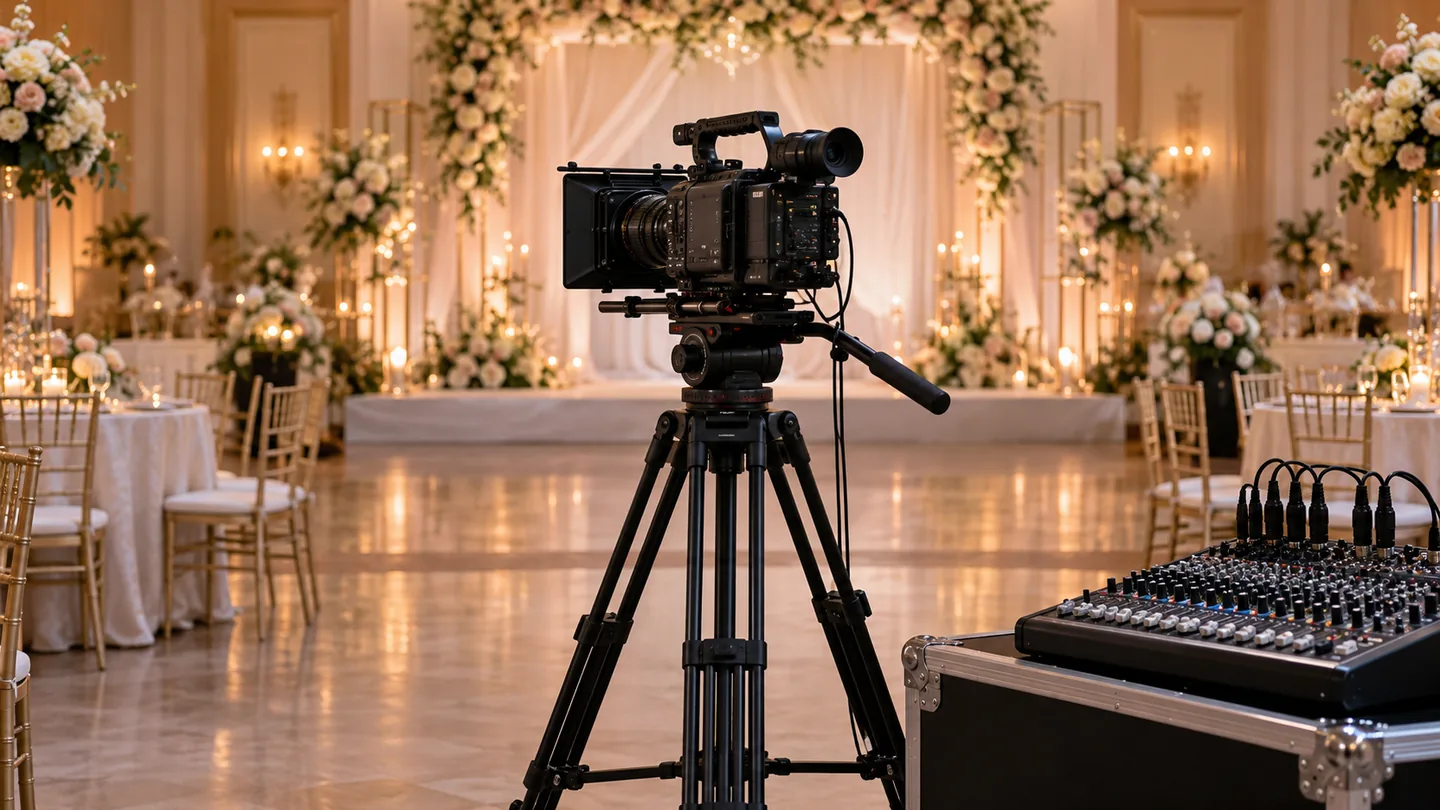
In short
- A live feed shows the stage on the room's screens as it happens. It is not the same as a livestream to remote viewers.
- The venue's AV system and operator decide how our camera signal reaches the screens, so we check this first.
- A recording of the day is a separate output, agreed in your scope.
A live feed shows what our cameras see on the screens inside your venue, as it happens. It helps guests who sit far from the stage, or who cannot see the podium, follow the speakers and performers.
It depends on the venue’s equipment and the people running it, so we confirm it for each event.
When a live feed makes sense
A live feed is worth considering when the room is large, the stage is low or people need to be seen. Typical cases are:
- A conference or convention where speakers are shown close up.
- An annual dinner or awards night where winners and performers should be visible from every table.
- A launch, ceremony or community gathering with a wide hall and a single stage.
If your guests only need to hear the speaker, good sound may matter more than screens. Our sound planning guide explains how to decide.
Live feed, livestream and recording are different things
People often use these words for one another, so it helps to separate them.
| Output | Where the picture goes | Page to read |
|---|---|---|
| Live feed | To screens inside the venue, in real time | This page |
| Livestream | Over the internet to remote viewers | Event livestreaming |
| Recording | To files you receive after the event | Event videography |
An event can combine two or three. Each is listed separately in the scope so you can see what you are agreeing to. If you have people attending both in the room and online, see hybrid event video.
What has to be settled with the venue
The picture only reaches the screens if our camera signal can connect to the venue’s system. Before the day we ask:
- Inputs: what connections the venue’s switcher or screen controller accepts, and who operates it.
- Cable route: how a cable can run from our camera position to the AV desk without crossing guest walkways.
- Screen layout: how many screens, where they are, and what else must appear on them, such as slides or sponsor loops.
- Camera positions: where the camera can stand without blocking the audience, and whether you need a second angle. See multi-camera recording.
- Rules and approvals: whether the venue requires notice or a coordinated plan for cameras and cables.
Our venue filming questions checklist lists the same points in a form you can pass to the venue.
Who does what
The quote spells out who does what, so nobody has to assume.
- Our crew operates the camera and sends a clean picture to the agreed hand-over point.
- The venue or your AV supplier owns the screens, the switching and the room sound, unless you tell us otherwise.
- You or your programme manager decide what shows on screen at each moment, such as the speaker, the slides or a loop.
If you have not appointed an AV team yet, tell us. We can describe what a good hand-over looks like, for you to put in their brief.
What happens on the day?
We arrive early, at a time agreed with you and the AV team, and test the whole chain before guests enter. A short check of picture, sound and screen delay lets everyone fix problems while the room is quiet.
During the programme the camera operator follows your run sheet, so the right person is on screen at the right time. If you also want a recording, we film it in the same coverage, and the files are delivered after the event as agreed.
The quote depends on how complex the connection to the venue system is and on any extra equipment. Recordings are listed separately. See how pricing works. To get a quote, message us the date and venue, or fill in the event video brief builder first.
The venue and date are enough to start. Send them with what screens the room has, and we will ask the venue's AV team the right questions, then confirm the crew and travel in a written quote.
Get a quote